Summarize this page with
Headless browser detection examines automation-related evidence. Anti-detect browser detection examines a modified or manufactured browser environment. Account-abuse detection examines prohibited activity in the service. They overlap. They are not synonyms. Keep the signals separate when selecting a tool, reviewing a session or deciding how to respond.
A developer can use browser automation for authorized testing. A person can operate a manipulated profile manually. An ordinary browser can still perform repeated prohibited claims. A useful protection design needs enough context to tell those situations apart instead of assigning intent from one technical label.
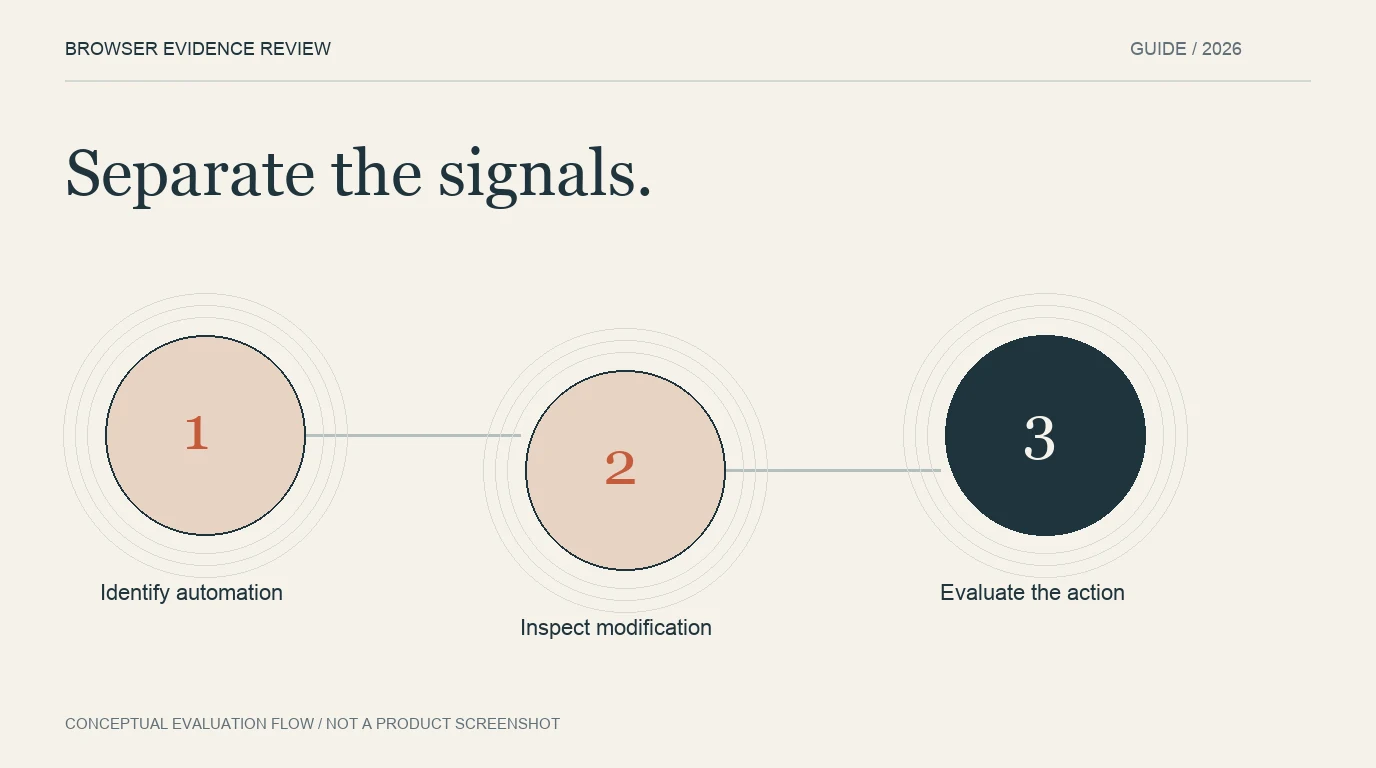
- 1Identify automation
- 2Inspect modification
- 3Evaluate the action
Describe the environment before judging the action
A headless environment runs without the conventional visible browser interface. An automation framework can also operate a visible browser. Browser manipulation can alter reported properties or behavior without requiring that the session be headless.
These distinctions are useful when reading a vendor feature list. A named automation detector does not automatically establish coverage for every modified profile. A browser-integrity finding does not establish whether the interaction was scripted. Ask which documented fields support each condition on the selected platform.
| Condition | Question answered | Additional context needed |
|---|---|---|
| Automation evidence | Is software controlling the interaction? | Authorization, identity and requested operation |
| Tampering evidence | Does the observed environment show manipulation? | Cause, supported configuration and corroboration |
| Device relationship | Which events appear related under the product’s model? | Confidence and account association |
| Account abuse | Does activity violate the defined service policy? | Prior actions, eligibility and reviewed outcomes |
Evaluate the product’s supported outputs
Fingerprint Smart Signals separates browser, network and automation findings. Its browser tampering documentation explains distinct detection approaches. Preserve those definitions in your integration rather than treating every event as one generic bot score.
HUMAN’s detection overview describes per-request risk assessment using sensor evidence. That is a request-protection model. Its supported fields and enforcement workflow should be compared with the task your application needs, rather than dismissed as a bare allow/deny product.
For each candidate, document the collection path, supported clients, named findings, result delivery and selected plan. A public diagnostic page can help inspect one environment, but it does not establish that the same output is available in a production contract.
Keep legitimate automation visible
Authorized QA, uptime checks, partner integrations and accessibility workflows can behave differently from ordinary manual browsing. Define how your system recognizes and scopes its own permitted traffic. Do not use an unprotected global exception as a substitute for a clear application boundary.
For a QA flow, the useful question is whether expected automation remains associated with the correct test environment and account. For an external client, authorization may rely on a supported integration rather than a familiar user-agent string. A declared name is not proof of permission.
Verify the supported identity and authorization for the operation instead of trusting the name alone.
Treat agents as another evaluation case
An agent may operate a real browser for an authorized user. Its automation status does not settle whether the requested action is allowed. Preserve the account, permissions and operation being attempted, and evaluate any available browser and network evidence separately.
ShieldLabs includes bot and AI-traffic findings alongside risk and account context. When evaluating it, inspect which output describes automation, which describes manipulation and which describes linked account activity. The same separation should apply to other products in the comparison.
Avoid presenting all automated traffic as harmful or every manual action as genuine. The useful distinction is how the service is being used under its defined policy and permissions.
Build a test matrix that separates the conditions
Use permitted cases covering ordinary manual browsing, privacy settings, authorized automation and intentionally modified environments. Label the conditions before you read the detector result. Include unavailable collection as its own outcome.
An evaluation that contains only automated anti-detect profiles cannot tell you which of the two conditions drove a finding. Change the test design so that evidence can be interpreted. You can then review whether the product identifies the relevant condition, and whether the application response is appropriate for the account action.
The false-positive guide explains outcome labels and cohorts. The API guide explains how to preserve the result and action association. Together, those records make a procurement decision more useful than a collection of pass/fail screenshots.
FAQ
Are all headless sessions anti-detect browsers?
No. Headless execution, automation and manipulation are separate properties. A supported product may report several findings on one event, but their meanings should remain distinct.
Does an anti-detect flag prove the session is a bot?
It describes the detector’s browser-integrity finding. Manual operation and automation require separate evidence, and neither alone settles account intent.
What should a buyer ask a vendor?
Ask for named output fields, supported clients, delivery model, plan entitlement and an evaluation covering genuine users and authorized automation. Verify the result at the protected application action.
Continue reading
- Anti-detect browser detection API: trust the server result
- Detect multi-accounting across anti-detect browser profiles
Compare all ten tools or read the complete deployment guide.