Summarize this page with
Anti-detect browser detection checks whether a browser environment tells a coherent story across independent observations. It looks for manipulation and corroborating device, network and account evidence. A plausible user agent or a clean residential IP cannot answer that question alone. Start by defining the application decision the result must support.
A signup, an authenticated login and a bonus claim have different consequences. The same technical finding can justify closer review in one flow while requiring no action in another. This guide explains the evidence layers and how to evaluate them without confusing an unusual browser with an abusive account.
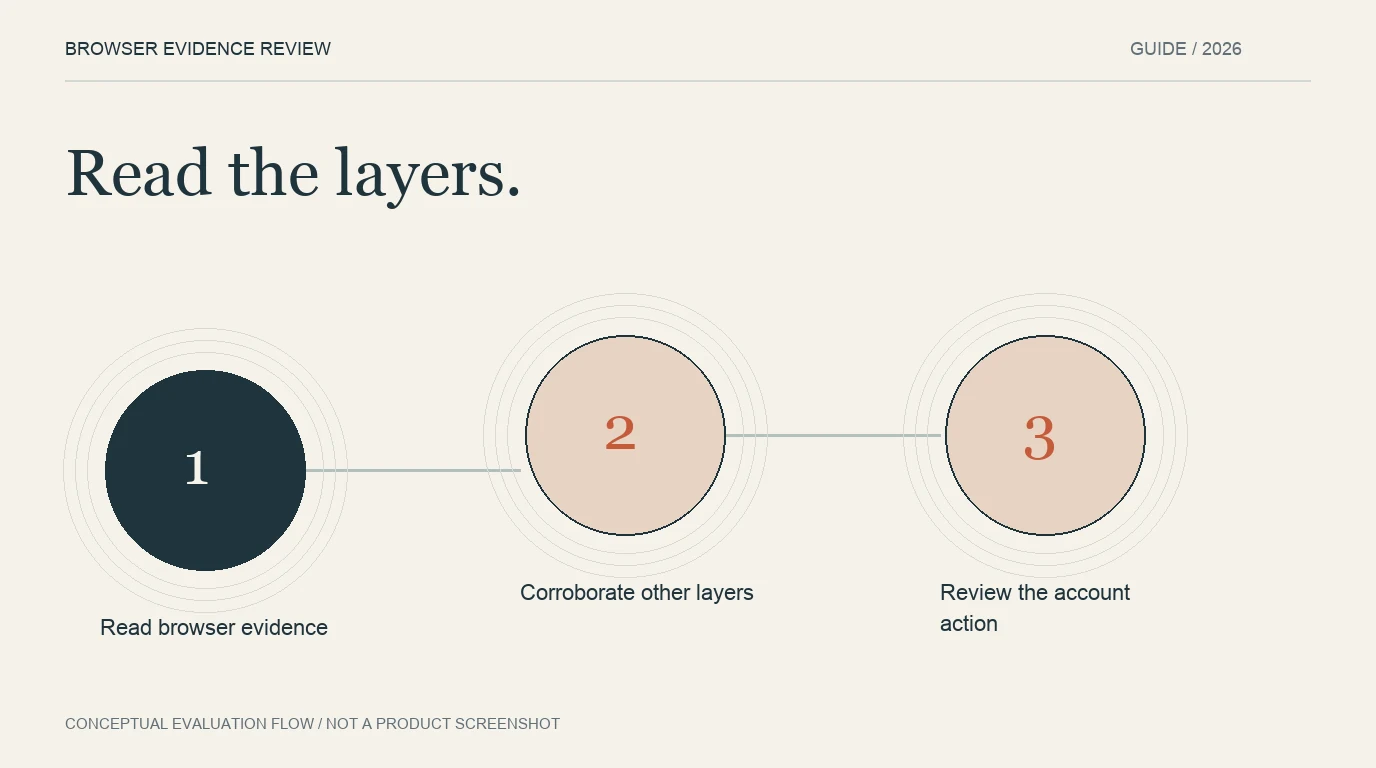
- 1Read browser evidence
- 2Corroborate other layers
- 3Review the account action
Begin with a decision, rather than a signature
Write down what the team wants to protect: new-account eligibility, an existing account, a promotional benefit or request capacity. Then identify the evidence that would change the decision. A manipulated browser may be relevant to repeated benefit claims, while a recognized privacy-conscious customer deserves a different review.
Create a short record for each permitted evaluation session: environment, version, intended action, account state and expected business outcome. Keep the expected outcome separate from the detector result. Otherwise the evaluation labels become circular: a flagged session is called abusive simply because it was flagged.
Read three different evidence layers
Browser integrity describes the environment supplying the observations. Network intelligence describes the connection. Account history describes activity associated with your service. Combining those layers is useful because they answer different questions, not because every discrepancy should add the same amount of risk.
| Layer | Useful question | Interpretation to avoid |
|---|---|---|
| Browser | Do observed capabilities and reported properties agree? | Every uncommon configuration is manipulated |
| Network | What connection conditions support this visit? | A residential address proves legitimacy |
| Account | Which actions and relationships are already known? | A changed browser profile proves a new person |
The Fingerprint anti-detect guide describes complementary anomaly and anti-detect detection methods. Its distinctions are useful when reading a vendor response: rarity and recognized manipulation are not interchangeable fields. Preserve the documented meaning of each output rather than combining every number under a generic accuracy label.
Inspect corroboration without counting the same cause twice
A privacy feature can affect several browser APIs at once. If those resulting observations are all consequences of the same setting, they are not independent confirmations. Group the underlying causes before interpreting a collection of flags as stronger evidence.
For example, a team evaluating a corporate browser could record managed settings, extensions and supported capabilities before examining the detector output. A display or rendering difference can then be investigated alongside the actual account action.
The open-source CreepJS project is useful for inspecting JavaScript tampering and fingerprint behavior. A research diagnostic exposes observations for a person to interpret; it does not establish the account policy your product should apply. The checker comparison explains that boundary in more detail.
Keep identity separate from manipulation
A detector may recognize a returning device while also finding browser tampering. Conversely, it may report a new identifier without establishing that a physical person is new. Device recognition, account authentication and risk assessment are related outputs with separate meanings.
Preserve event and account references when evaluating repeated participation. Do not merge accounts merely because they share a network, and do not promise that every pair of changed browser profiles can be deterministically linked. Review the evidence supporting the actual relationship. See the guide to multi-accounting across profiles.
Verify the result at the protected action
The browser can initiate collection, but the account action should use a trusted server-side result. Confirm that the event belongs to the intended application, account and action. Plan explicitly for a missing result instead of treating a timeout as a low-risk verdict.
ShieldLabs’ detection guide explains joint device and network assessment. Its product provides named findings and account-risk context. A pilot should inspect those outputs in the deployed workflow; reading a public demo is a different exercise from verifying a production account decision.
The API integration guide covers the association and failure-handling questions. Keep secret credentials on the backend, and retain only the evidence needed for investigation under your own data policy.
Judge the evaluation with legitimate controls
Include ordinary browsers, privacy settings, managed devices and authorized automation alongside permitted manipulated-browser cases. Record version and collection failures. Review errors by cohort so that a small supported population is not hidden inside an attractive overall rate.
Count the application outcome as well as the detector finding: whether access was allowed, challenged, held or denied. A completion rate is useful operational evidence, but it is not independent proof that every completed action was legitimate. A useful review combines known cases, account context and the reasons behind the decision.
FAQ
Does an unfamiliar fingerprint prove an anti-detect browser?
No. An unfamiliar signature can reflect an uncommon device, privacy setting or software update. Inspect the detector’s documented manipulation evidence and corroborating context instead of equating rarity with abuse.
Can a residential proxy hide every detection signal?
A proxy changes connection evidence. It does not automatically resolve browser inconsistencies or account history. Evaluate the supported layers separately and preserve incomplete results.
Which tools should a team compare first?
Use the ten-tool comparison to distinguish production APIs, inline bot protection and manual diagnostics. Select candidates by the output and integration the protected action needs.
Continue reading
- Anti-detect browser detection API: trust the server result
- Detect anti-detect browsers behind residential proxies
Compare all ten tools or read the complete deployment guide.